An AVS response code tells you whether the billing address a customer typed matches what the card issuer has on file. It does not decline the payment by itself. The issuer can approve a charge whose address failed, and it is your rules, or your provider’s, that turn a mismatch into a rejection. So the code is something your server has to read and act on, and Stripe, Adyen and Braintree each hand it over in a different shape.
This guide puts the three side by side, from provider documentation checked November 15, 2026, and flags the one trap the usual code lists skip: the same raw letter can mean different things on different card brands.
What the issuer actually compares
You send the street address and postal code with the authorization. The issuer compares them with its records and answers with a raw code, usually a single letter. Braintree’s AVS rules guide notes that the check looks only at the numbers in the address. For “12 Main Street, 10001”, the issuer is comparing 12 and 10001, not the street name.
Coverage is uneven. Adyen’s AVS page says issuers in the United States, Canada and the United Kingdom, and Visa issuers in Europe, must support AVS requests, while elsewhere support is optional. Stripe’s verification guide adds that some countries do not use postal codes and some issuers skip street checks, though most US, Canadian and UK cards support them.
Where each API puts the result
| Provider | Fields | Values |
|---|---|---|
| Stripe | payment_method_details.card.checks.address_line1_check and address_postal_code_check on the Charge | pass, fail, unavailable, unchecked; Radar rules also see not_provided |
| Adyen | additionalData.avsResult, plus avsResultRaw once raw acquirer results are switched on | Numbers 0 to 26, each with a text label; raw value is the network letter |
| Braintree | avs_street_address_response_code and avs_postal_code_response_code, with avs_error_response_code for errors | M, N, U, I; S and E in the error field; B when AVS was skipped |
Stripe’s values come from its Radar rules reference, which defines unavailable as an issuer that will not check the data and unchecked as data sent but not yet checked. Adyen lists every number and the letters behind it in a mapping table. Braintree’s response code page and verification object define its letters.
One issuer answer, three readings
The table follows Adyen’s mapping of Visa and Mastercard letters. Stripe and Braintree report street and postal code separately, so their cells are the pair that carries the same meaning.
| Issuer answer | Raw letter (Visa, Mastercard) | Stripe street / postal | Adyen avsResult | Braintree street / postal |
|---|---|---|---|---|
| Both match | Y, M, D, X | pass / pass | 7 | M / M |
| Street matches, postal code does not | A | pass / fail | 1 | M / N |
| Postal code matches, street does not | Z, W | fail / pass | 6 | N / M |
| Neither matches | N | fail / fail | 2 | N / N |
| Issuer could not or would not check | U, R, S | unavailable | 3 | U, or S in the error field |
| Nothing was sent | none | not_provided (Radar) | 5 | I / I |
Here is a worked case. A customer moved last month and typed the new postal code, but the bank still has the old one. Stripe returns address_line1_check: pass and address_postal_code_check: fail. Adyen returns avsResult 1, “Address matches, but the postal code does not match”, with avsResultRaw A on a Visa card. Braintree returns street M and postal N. That is one fact reported three ways, and it is a common reason a genuine customer fails AVS.
The same letter can mean the opposite
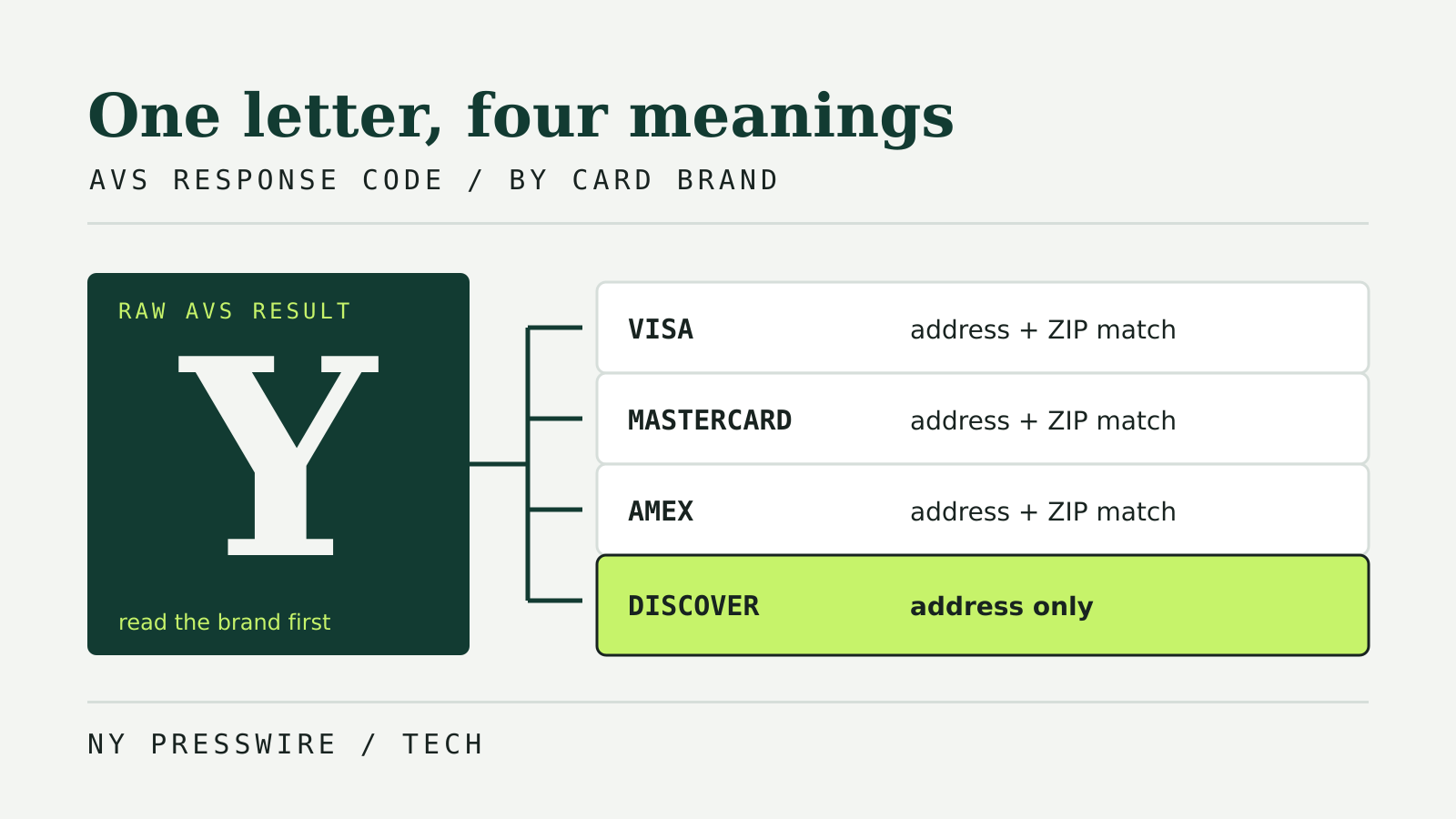
If you store raw letters, store the card brand next to them. Adyen’s table spells out where brands disagree:
A. On Visa and Mastercard, street matches and postal code does not. On Discover, street and five-digit postal code both match. On American Express, only the address matches.Y. On Visa, Mastercard and American Express it counts as a full match. On Discover, Adyen’s note says only the address matches.Z. A postal code match without the street on every brand, though the number of ZIP digits checked varies.K. American Express only: the cardholder’s name matches, but neither address nor postal code does.
Visa also returns G and I when an address could not be checked on an international transaction; Adyen folds them into 18, “Neither postal code nor address were checked”. The safest pattern is to branch on the provider’s normalized value, such as Adyen’s number or Stripe’s check fields, and keep the raw letter for disputes and support.
A mismatch can still leave a pending charge
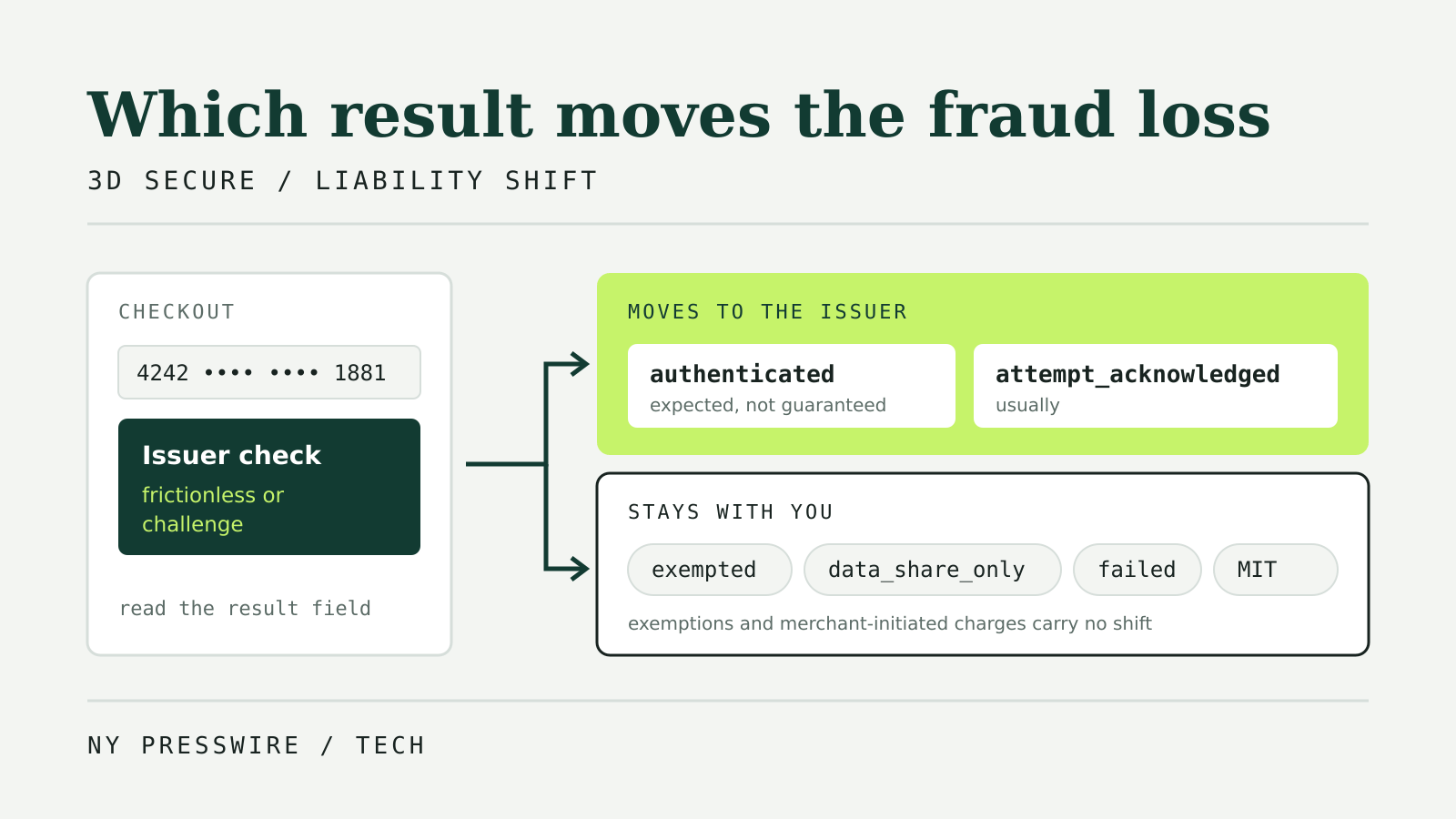
AVS results come back with the authorization, so a rule that blocks on them runs after the issuer has said yes. Stripe’s Radar reference warns that a blocked charge can briefly show as an authorization on the customer’s statement, usually disappearing after a few days. Braintree says it sends a void when a result breaks one of your rules, but some banks do not process voids right away. Adyen says its AVS rules run after authorization and so cannot be tied to Dynamic 3D Secure. If you want issuer liability cover rather than an address check, that is a separate decision; our guide to the 3D Secure liability shift covers it.
At checkout, say plainly that the charge did not go through and that any hold on the card will drop off.
Rules that do not reject good customers
The providers give fairly consistent advice:
- Do not reject on “could not check”. Braintree recommends against rejecting on “Issuing bank does not support AVS”, “Postal Code not verified” or “Street Address not verified”, because cards from countries without AVS support would fail every time.
- Be careful with street-only mismatches. Braintree does not usually recommend rejecting for “Street Address does not match”, since how a customer writes an address can cause false rejections. Stripe says AVS can fail for legitimate payments when a customer mistypes or has moved.
- Treat
Non both fields as the strongest signal. That is where review or rejection makes most sense. - Check what your rules cover. Braintree applies AVS rules only to first-time transactions by default, not to recurring charges or cards stored in its Vault. Stripe’s built-in Radar rules allow for wallets that send no CVC.
- Ask for a correction before rejecting. A postal code mismatch is often a typo the customer can fix at checkout, which is the same split our payment decline codes guide recommends for card data errors.
To test these branches, Adyen lets you force a result by setting street to “Test AVS result” and houseNumberOrName to the code you want. Test results are simulated, as with any sandbox. Field names change between API versions; our payment API changelog tracker follows current versions.